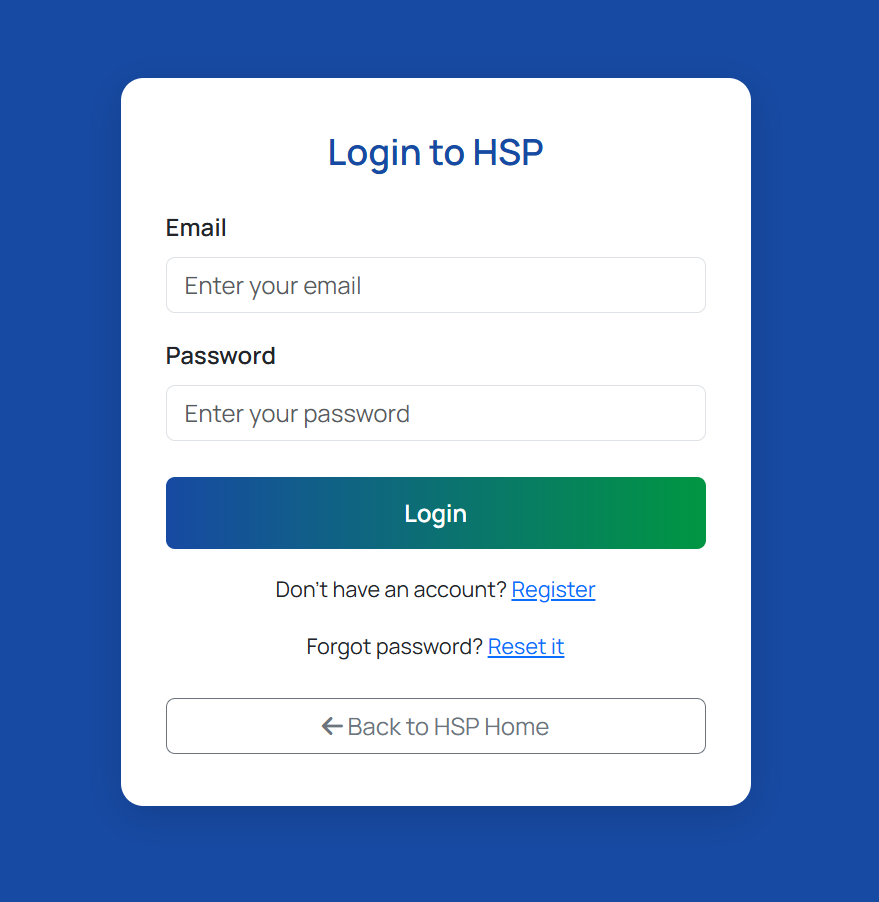
How to Register Your HSP Account
Follow these easy steps to complete your registration smoothly.
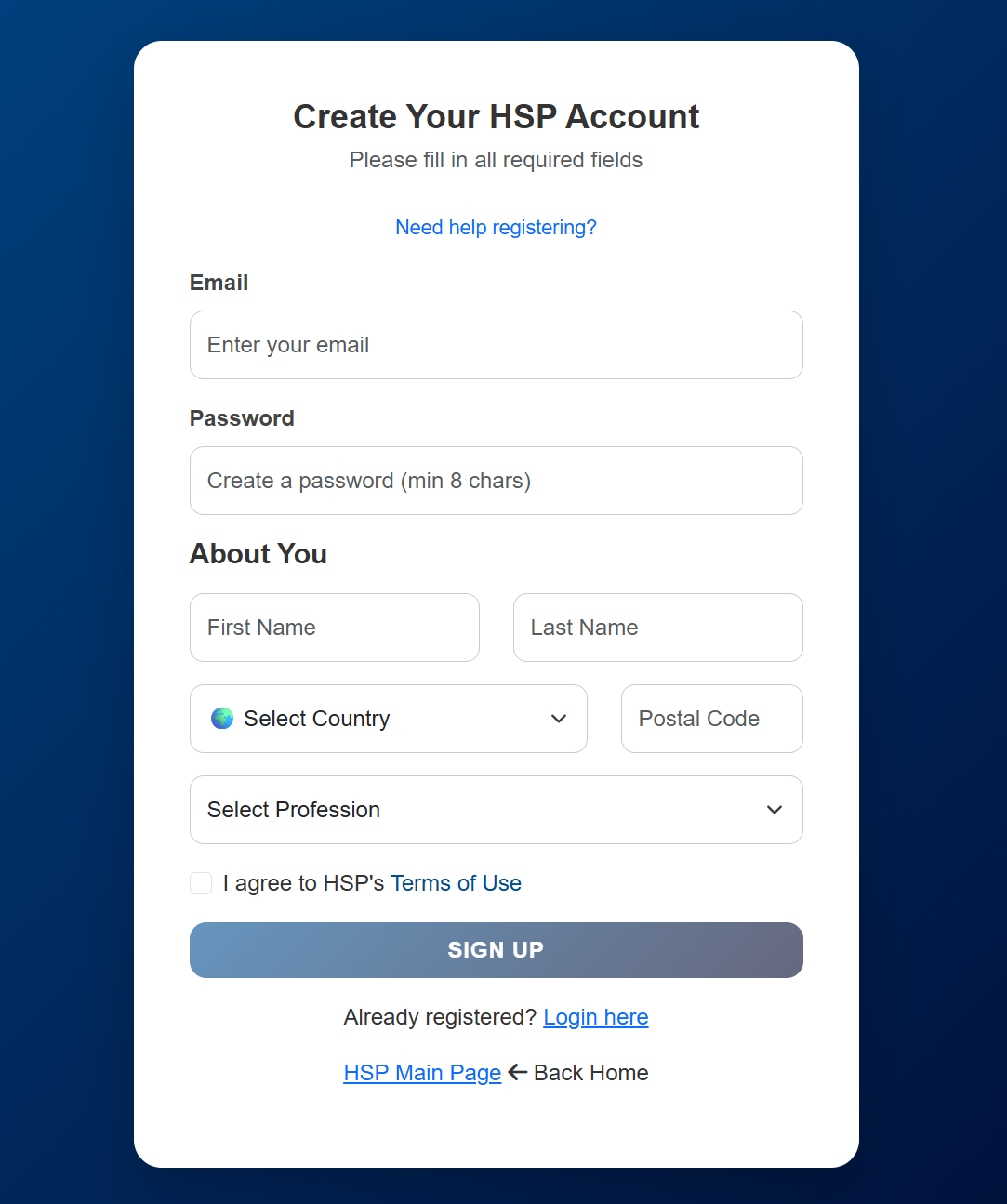
1️⃣ Fill in the Registration Form
Start by completing all required fields, just like the example below:
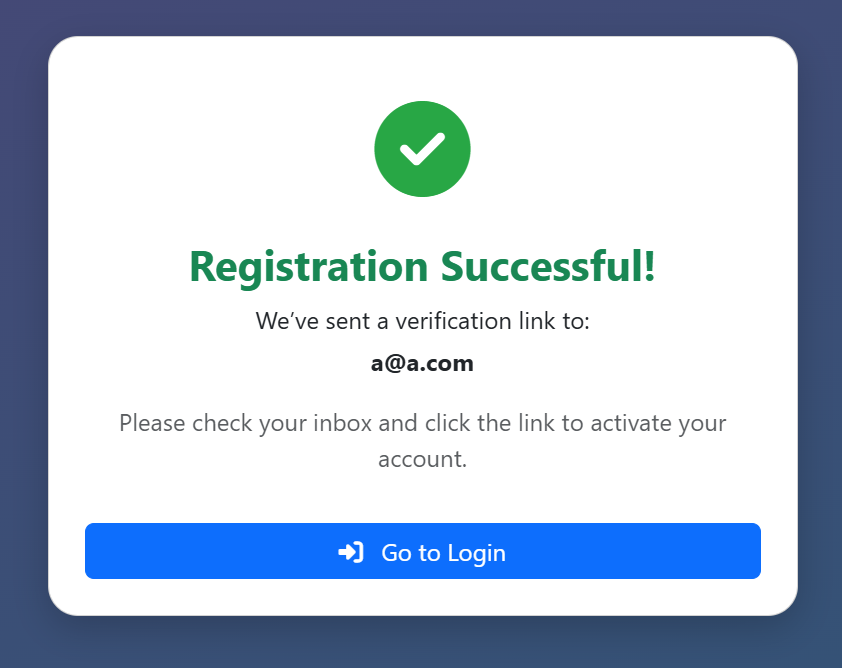
2️⃣ Registration Successful Page
After clicking Sign Up, you will see a success message confirming your registration.
This also tells you that a verification email has been sent to your inbox.
3️⃣ Check Your Email
Look for an email from HSP Registration. It contains a verification link like this:
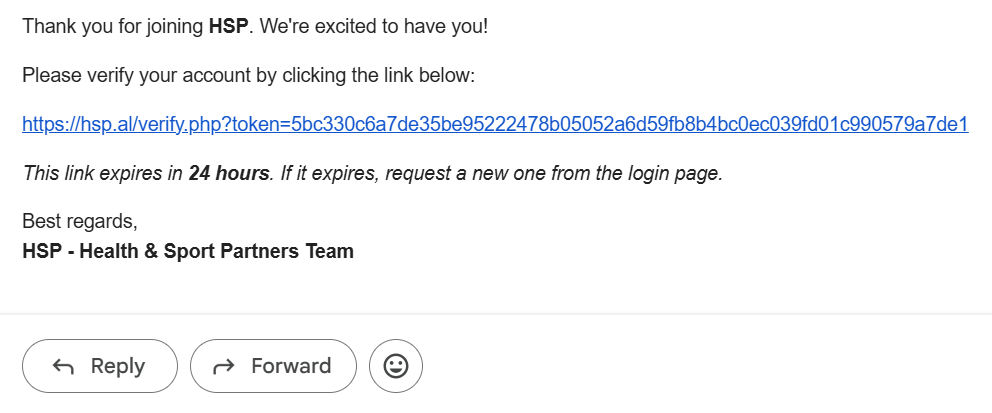
✔️ Click the blue verification link inside the message.
⚠️ If you can't find the email, check your Spam/Junk folder.
4️⃣ Verification Result
After clicking the verification link:
- If valid, your account becomes activated.
- If invalid (like the example below), the link may be expired or already used.

If expired, request a new verification link from the login page.
5️⃣ You Are Now Ready to Log In
Return to the login page and enter your email & password to access your HSP account.